What Is the Standard Movie Poster Size? (Inches, CM & Pixels)
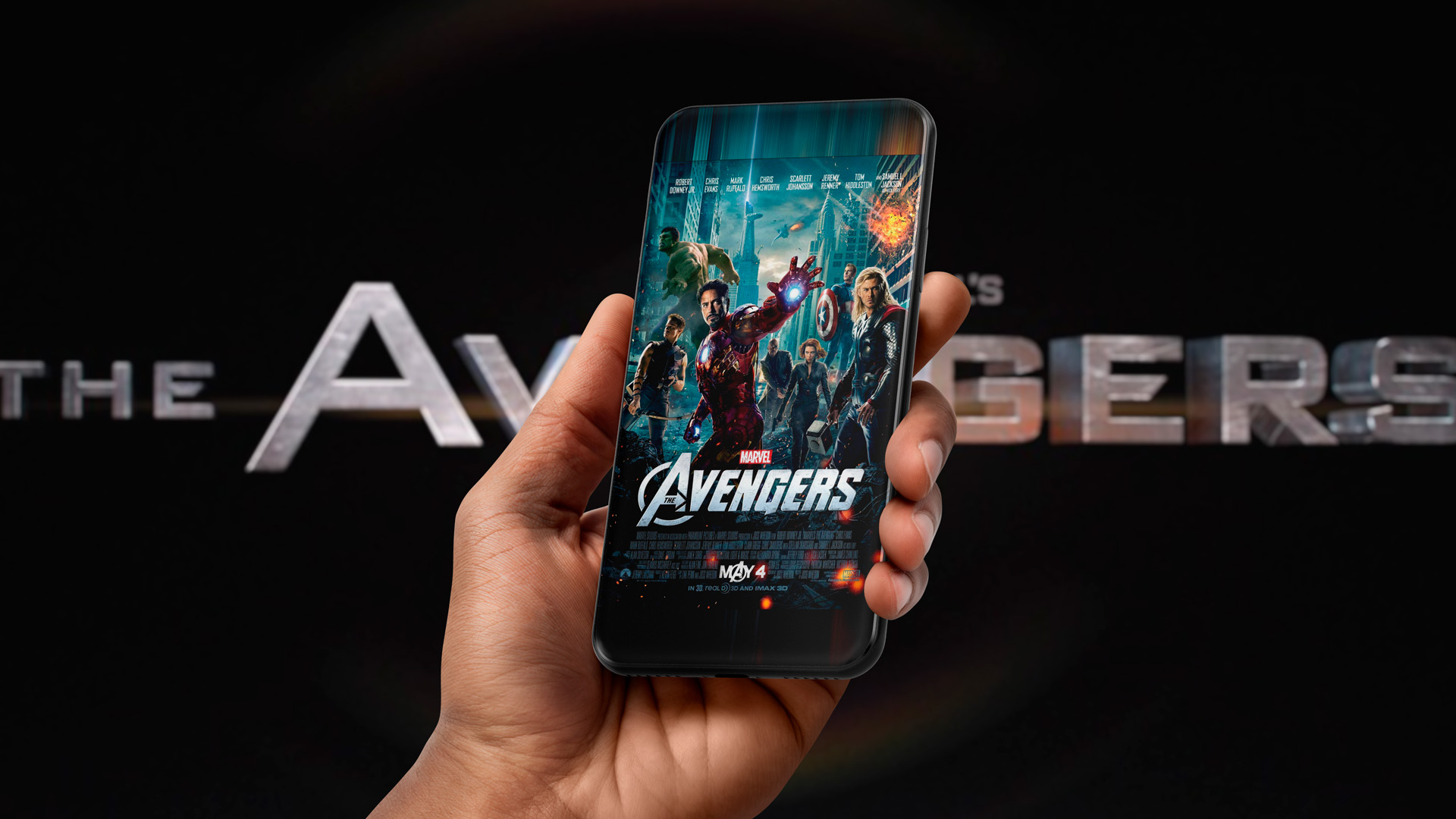
The standard theatrical movie poster (the "one-sheet") is 27 × 40 inches, or 8100 × 12000 pixels at 300 DPI. Add 0.125" of bleed on every side and your design canvas becomes 27.25 × 40.25 inches.
That's the short answer. The longer one depends on where your poster is going: a cinema lobby, a UK release, a bedroom wall, or a streaming thumbnail. Each has its own size, and they don't all share the same proportions.
Theatrical one-sheet specs
| Zone | Inches | Centimetres | Pixels at 300 DPI | Pixels at 150 DPI |
|---|---|---|---|---|
| Trim (final size) | 27 × 40 | 68.6 × 101.6 | 8100 × 12000 | 4050 × 6000 |
| Bleed (design canvas) | 27.25 × 40.25 | 69.2 × 102.2 | 8175 × 12075 | 4088 × 6038 |
| Safe area (text and logos) | 26.5 × 39.5 | 67.3 × 100.3 | 7950 × 11850 | 3975 × 5925 |
Bleed is 0.125" past the trim on each side, so the printer can cut without leaving white edges. The safe area here sits 0.25" inside the trim; keep the title, billing block, rating and logos within it. Printers ask for at least 150 DPI at full size; 300 DPI gives you room to crop.
One thing that trips people up: 27 × 40 is close to 2:3, but not exactly. A true 2:3 poster at 27" wide would be 40.5" tall. For the web, a common export is 1013 × 1500 px: the one-sheet's exact proportions at 1500 px tall. It works for IMDb, festival platforms and most sites. Where a site crops thumbnails to a true 2:3, expect a sliver trimmed from the edges.
Other common poster sizes
| Size | Where it's used | Inches (W × H) | Centimetres (W × H) |
|---|---|---|---|
| One-sheet | Theatrical in the US, Canada and Australia; also Sweden and Poland | 27 × 40 | 68.6 × 101.6 |
| Quad | UK theatrical (landscape) | 40 × 30 | 101.6 × 76.2 |
| Retail / alternative | Prints, giveaways, home framing | 24 × 36 | 61 × 91.4 |
| Mini / tabloid | Festival screenings, events, flyering | 11 × 17 | 27.9 × 43.2 |
| Grande | France | 47.2 × 63 | 120 × 160 |
| Petite | France | 15.7 × 23.6 | 40 × 60 |
| B2 | Japan (standard theatrical) | 20.3 × 28.7 | 51.5 × 72.8 |
| B1 | Japan (large format) | 28.7 × 40.6 | 72.8 × 10³ |
| A1 | Germany and much of Europe | 23.4 × 33.1 | 59.4 × 84.1 |
| Due fogli | Italy | 39.4 × 55.1 | 100 × 140 |
At 300 DPI, the quad is 12000 × 9000 px, the 24 × 36 is 7200 × 10800 px, and the 11 × 17 is 3300 × 5100 px. Bus shelters, billboards and other outdoor formats vary by vendor, so always get the spec sheet from the media buyer.
Which size do you need?
I need a theatrical poster
This is the most common request we get: the one-sheet you see in cinema lobbies. Design it at 27 × 40 with 0.125" bleed (the specs table above has every number). If it's going to print, build it at 300 DPI. If it's online only, pixel dimensions are what count. Screens are traditionally described as 72 DPI (the classic Mac default) or 96 DPI (the Windows default), but those are legacy reference numbers, not what a monitor actually displays. Even so, some platforms and aggregators ask for 72 DPI in their delivery specs. Set it on export when they do: it only changes a label in the file, not the pixels. Either way, keep the master at full print resolution so you never have to rebuild it.
I need a theatrical poster, and I'm releasing in the UK
The UK has its own standard: the quad, 40" wide by 30" tall. It shares the one-sheet's 40" long edge but runs horizontal instead of vertical.
If a UK release is on the table, design the quad first with a vertical 2:3 "safe zone" inside it, where every essential image and line of type lives. That zone then scales up into the North American one-sheet without losing anything important.
I need an alternative poster or a giveaway
Alternative posters and the rolled posters sold in shops are usually 24 × 36. Frames at that size are easy to find, which matters when the poster is headed for someone's wall.
Converting from a one-sheet is simple. Scale the 27 × 40 down to 36" tall and it's about 24.3" wide, so you trim roughly 0.15" from each side.
I need a poster for a streaming or VOD service
This is where it gets complicated. There's no single size across services, and even one service will ask for several. Aggregators send spec sheets with a dozen or more crops.
The good news: almost all of them reduce to three shapes, a vertical rectangle, a horizontal rectangle and a square. Get your key art working in those three, and the rest is shaving pixels off the edges.
Plan for this when the key art is designed:
- Keep image area outside the one-sheet crop. Extra background lets you widen a frame or slide a character into place later.
- Don't lean too hard on verticality. A tall, narrow subject (picture a rocket dead centre) fills a one-sheet beautifully, then leaves a wide banner mostly empty.
- Keep the title as its own element. Wide crops usually move the title beside the image, not under it.
FAQ
What size is a movie poster in pixels? 8100 × 12000 pixels at 300 DPI for a 27 × 40 one-sheet, or 8175 × 12075 with bleed.
What aspect ratio is a movie poster? A 27 × 40 one-sheet is 1:1.48, very close to 2:3 (1:1.5). Most websites display posters at 2:3.
How much bleed does a movie poster need? 0.125" on every side, making the canvas 27.25 × 40.25 inches. Check with your printer, since some ask for more.
What DPI should a movie poster be? At least 150 DPI at full size for print; 300 DPI is safer. For web-only use, work to pixel dimensions instead.
Is 24 × 36 a movie poster size? It's the standard retail and alternative poster size, not the theatrical one. Cinemas use 27 × 40.
What goes at the bottom of a movie poster? The billing block: the credits, rating and logos. See our guide, How to Create a Billing Block for Your Movie Poster, or build one with BillingBlox.
How to Create a Billing Block for Your Movie Poster